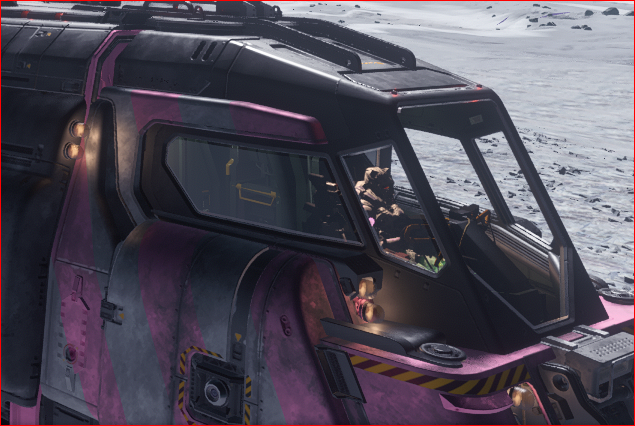
I’m so glad you asked. Cause I just bought a paint and it Matches my Armour. Yes we look fabulous together.


Make sure your paints are in the station inventory. Make sure the ship you want to modify stored at the same location.
Make sure you are at the location.
Bring up your Mobi Glass and click “Vehicles”.
This is the ship modifier screen in the mobi.
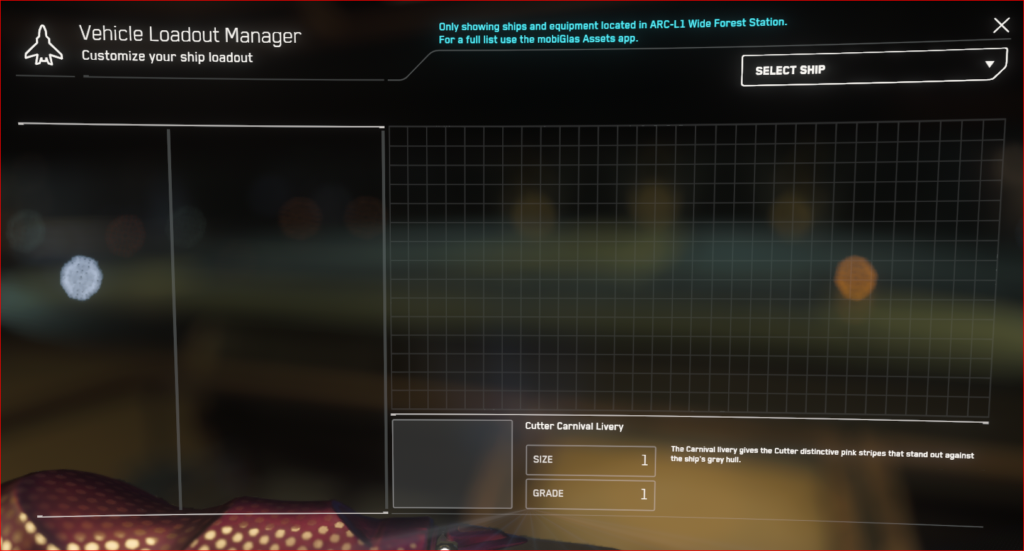
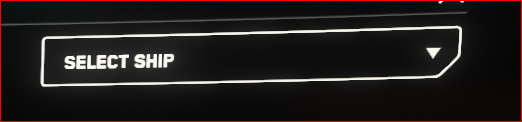
Right hand corner select your ship from the drop down. This list only shows your ships, that are properly stored at the location you are at.
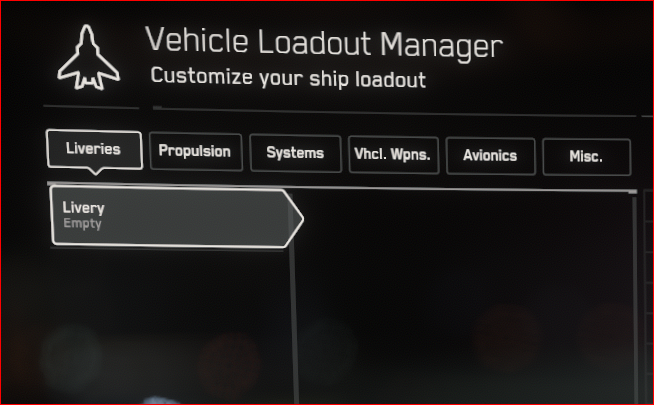
It will load your selected ship and default to the “Livery” menu. If you don’t have any livery in inventory for that ship at this location, then it will stay blank.
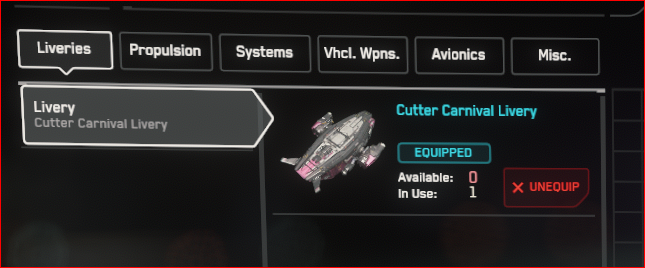
If you have a livery in inventory it will show up and you can click equip.
When you pick your livery click save changed button on the bottom right.
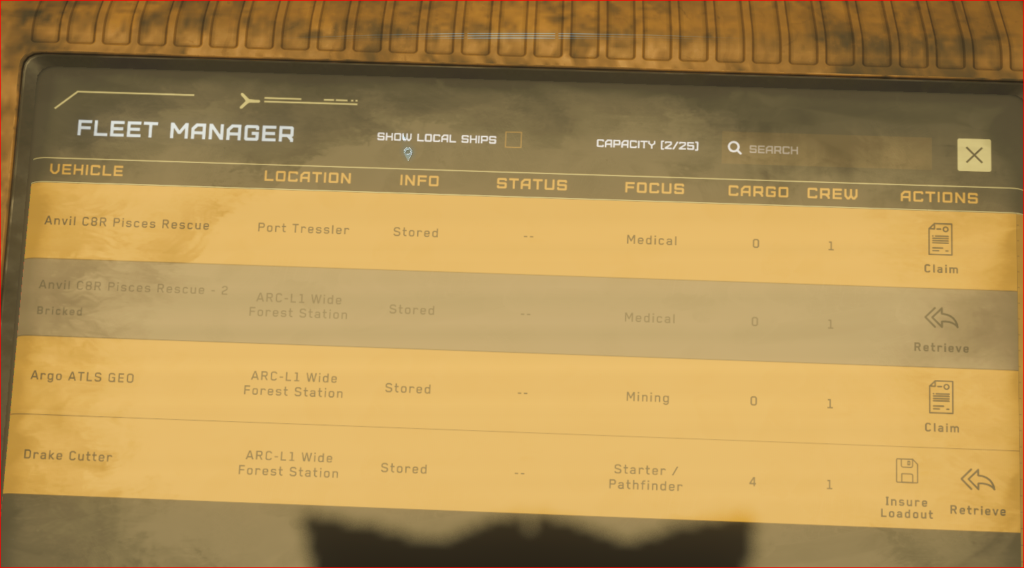
Now if you don’t want to loose your livery if your ship explodes… You will need to insure it.
This is what the menu looks like. There are line items, and one of them is “Livery”.
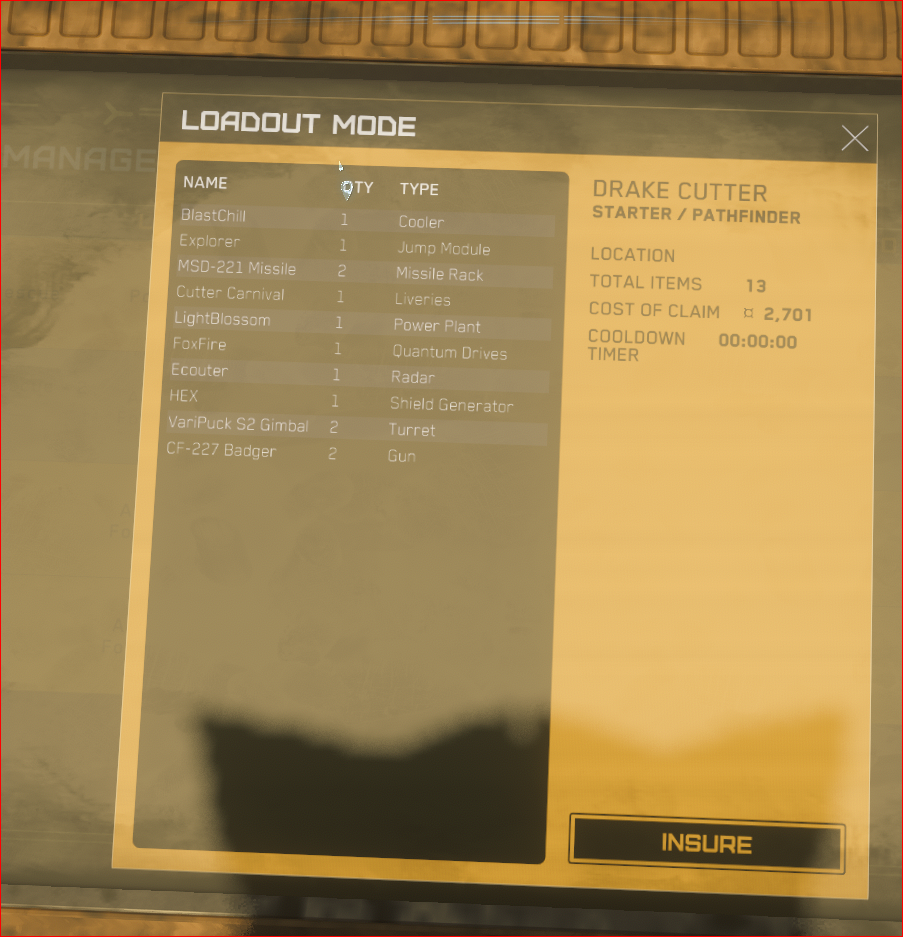

See right here… Livery….
Click “INSURE”, with pride for your glorious awesomeness.
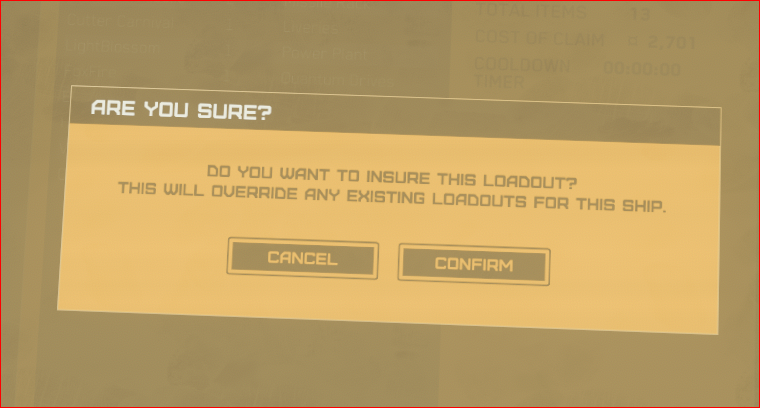
It will confirm you want this loadout. You are saving the whole loadout, guns and all…
Click confirm. Now when you ship explodes unexpectedly and you claim the ship your livery will be reapplied by the insurance company during the rebuild.