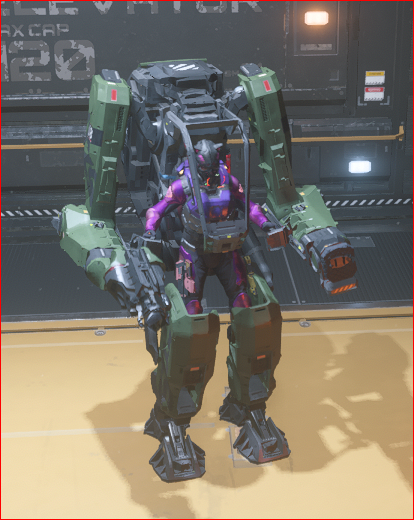
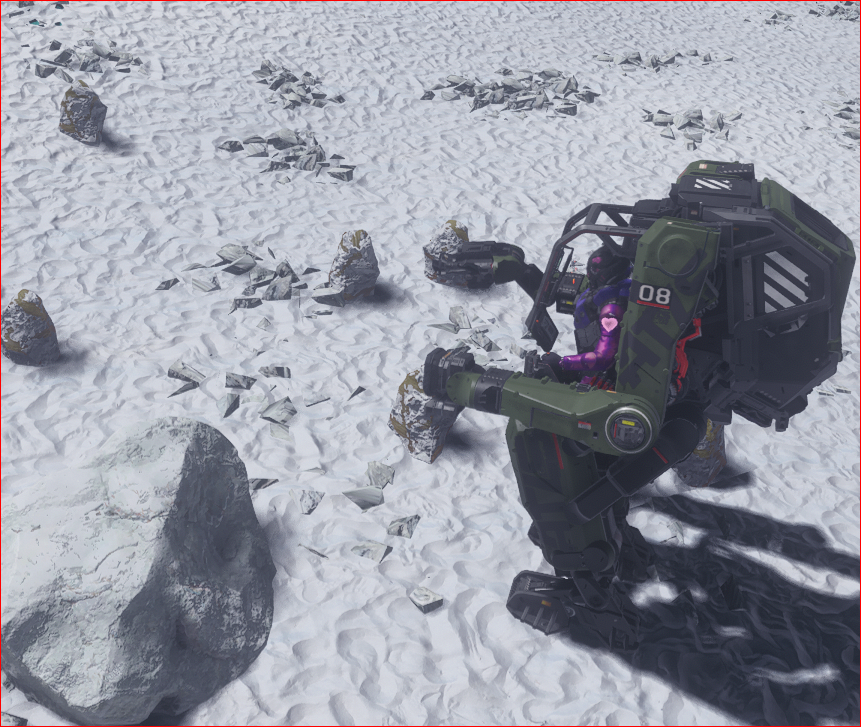
Jalenite Crystal Deposit!
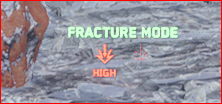
Alt and Left click switches you between modes, if your not in Fracture Mode, then you want to switch to it.
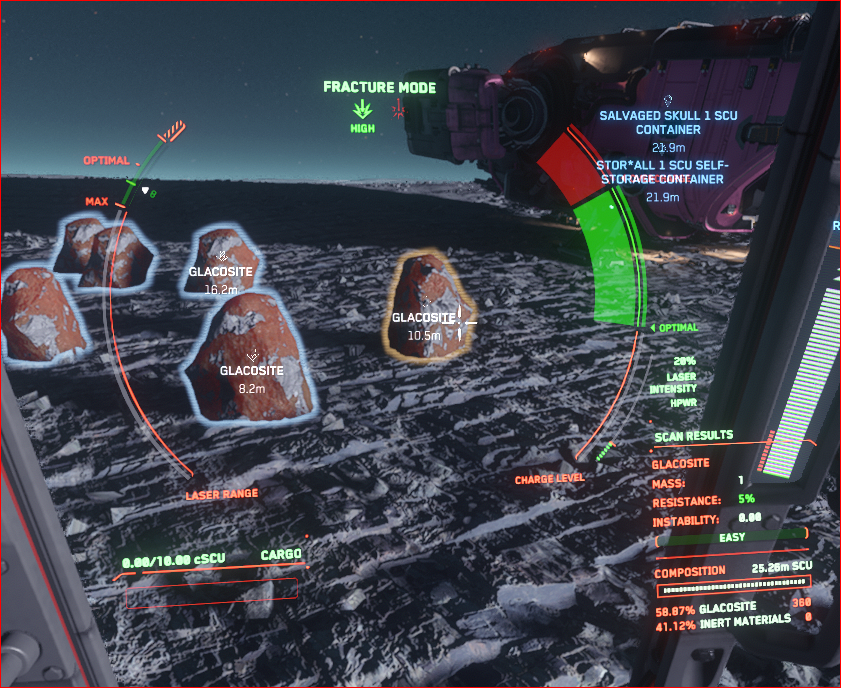
The ATLS GEO, point it at the rock, it will scan it (be patient it takes longer than you’d think, and menu in the bottom right will blink and then pause for a bit and update.
This is the bottom right menu close up. When it updates all the fields are filled in. the values will vary for different rocks, and different deposits, but generally the Jalenite will be in this range.

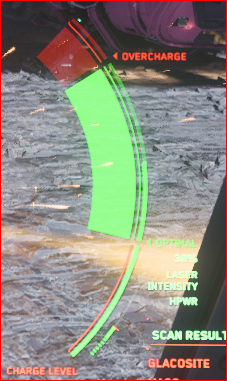
Ok now on the mining laser you see this. Overcharge RED AREA is bad it will blow you up, you die… don’t overcharge. if you do …run… if your in the ATLS try to be as far away and in the air (jump) when it blows up, you have a small chance of surviving it (no shields). Have a med gun or med pens handy… happens all the time.
Now the next section is the amount of the laser (heat) the crystal has absorbed. We need to fill this section up so to fracture the crystal.
The next section is the lasers power (slider you control) on the outside (Charge Level), and the laser charge build up that you are coaxing to the right levels to heat the crystal with.
You control the laser’s power using the ctrl key and your mouse wheel. Forward roll to up the power, Pull back towards you to decrease power.
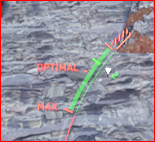
On the left side of the display is information about your distance from the crystal. You want to be between optimal and the cross hatch (orange bit). For crystal mining I don’t see much difference about where you are in that range. If your out of that range up or down you get less crystals when it fractures.
I forget what this is. In the ship mining it has to do with the configuration of the mining laser, and the gadgets and attachments you choose. But I use the default for the ATLS GEO.
When it comes to crystals you can mine all of them with the ATLS GEO, by controling the distance, the power and the charge. If your working with Janalite or Hadinite which require less power or they blow up, you may have to back up to the max distance to work the crystal. In that case you may find the hand tool to be easier.

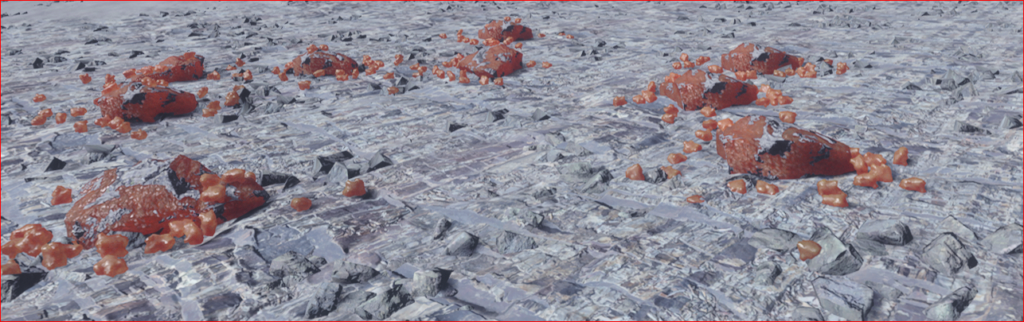
Now you’ve broken up all the crystals at your site, switch to extraction mode (Alt and Left click).
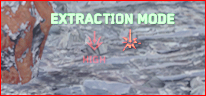
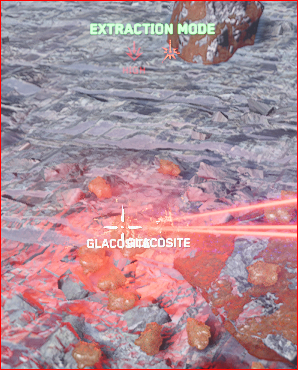
Extractor mode working, it will pick up the crystals and put it in your ATLS GEO’s backpack.
— see bugs for if the extractor is not working. —
Tips for fixing it.
1. Take the box out and put it back in.
2. Take the box out and put something else in it, then put it back.
3. Change it out for a new box.
4. Give up and put away the GEO and use the hand tool and backpack to pick everything up
5. Pick them up by hand.
This is the ATLS GEO inventory. Some times this little indicator works, some times it doesn’t and some times it partially works… so I mostly ignore it this patch 4.8.3. It used to work…. stopped working after they added the neat quality variations to everything.
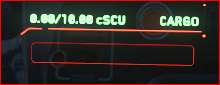
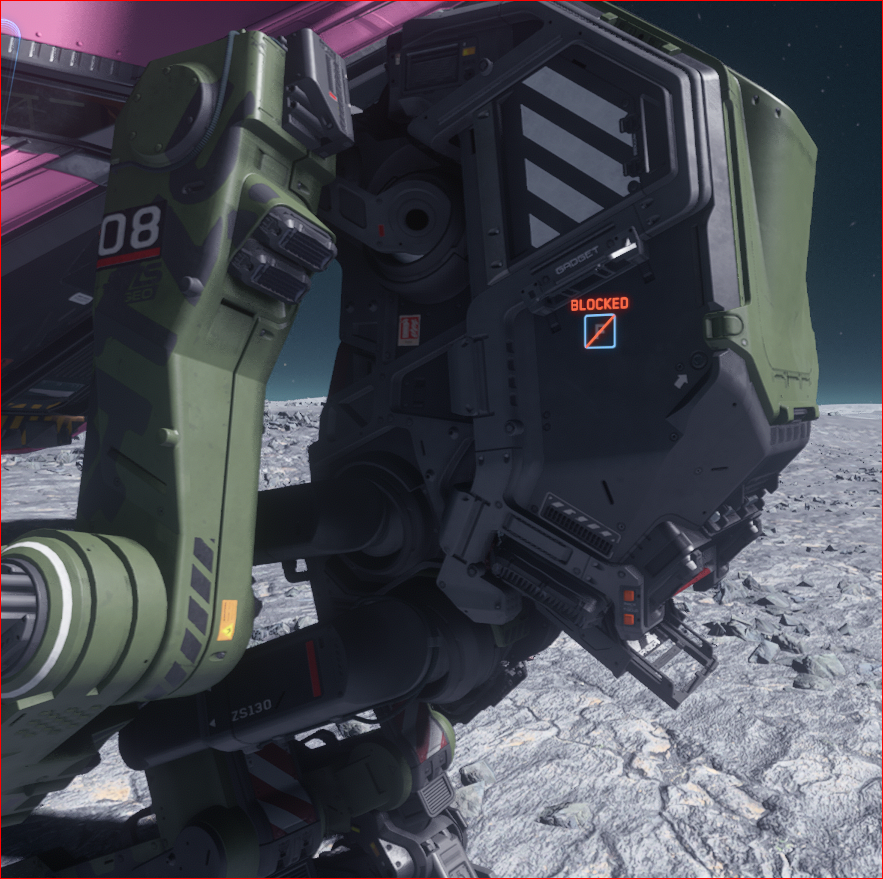
This is where your storage is, the ATLS GEO basically has a back pack.
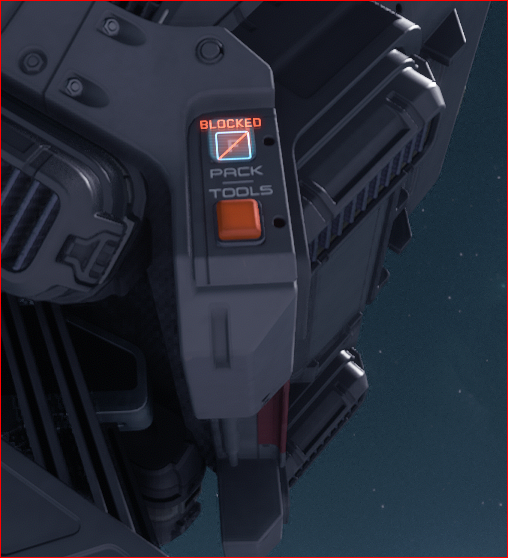
That button you see in the previous image looks like this close up. The top button opens the storage compartment, it says “PACK” on the label, the bottom one is for tools.
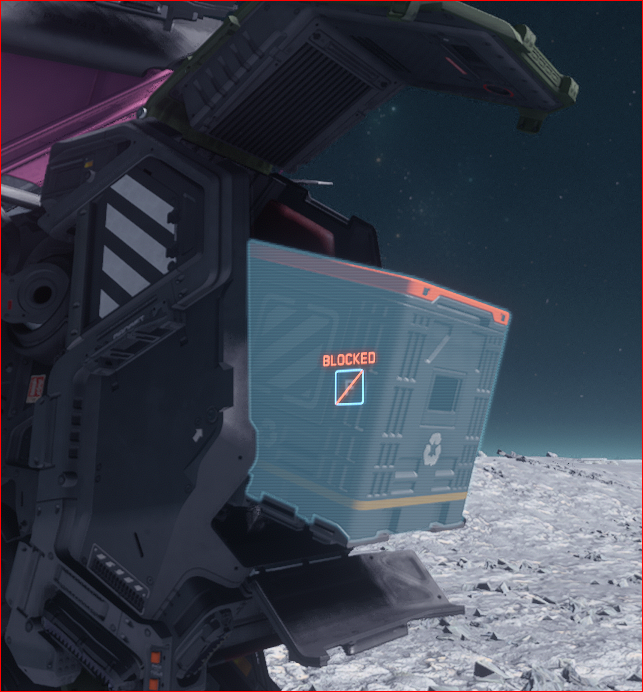
You can pull the box out and carry it to the ship or if you have a giant backpack like me, you choose open, and move all of it to your back pack and then put it back away.
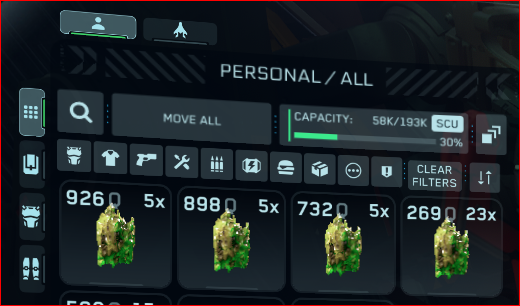
Inventory of my backpack after using my mining tool to pick up a full backpack of crystals.. like the inventory for the ATLS GEO, it’s a little wonky some days.
This is what Jalenite crystals look like in the inventory, this is two crystals sites picked up.